For Indian cinema
Bollywood movies app source code. Hindi, Tamil, Telugu and more, with India first on Home.
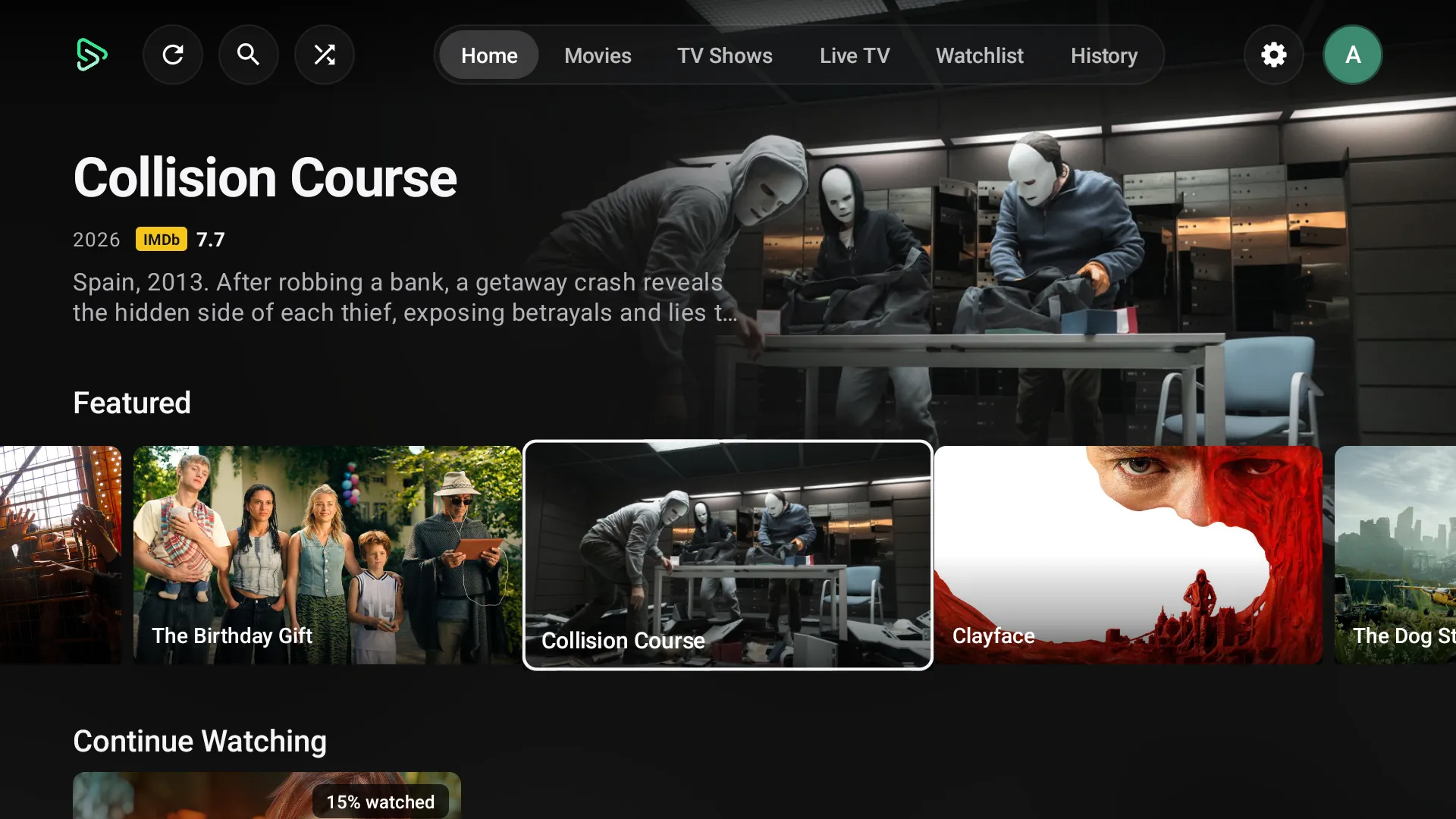
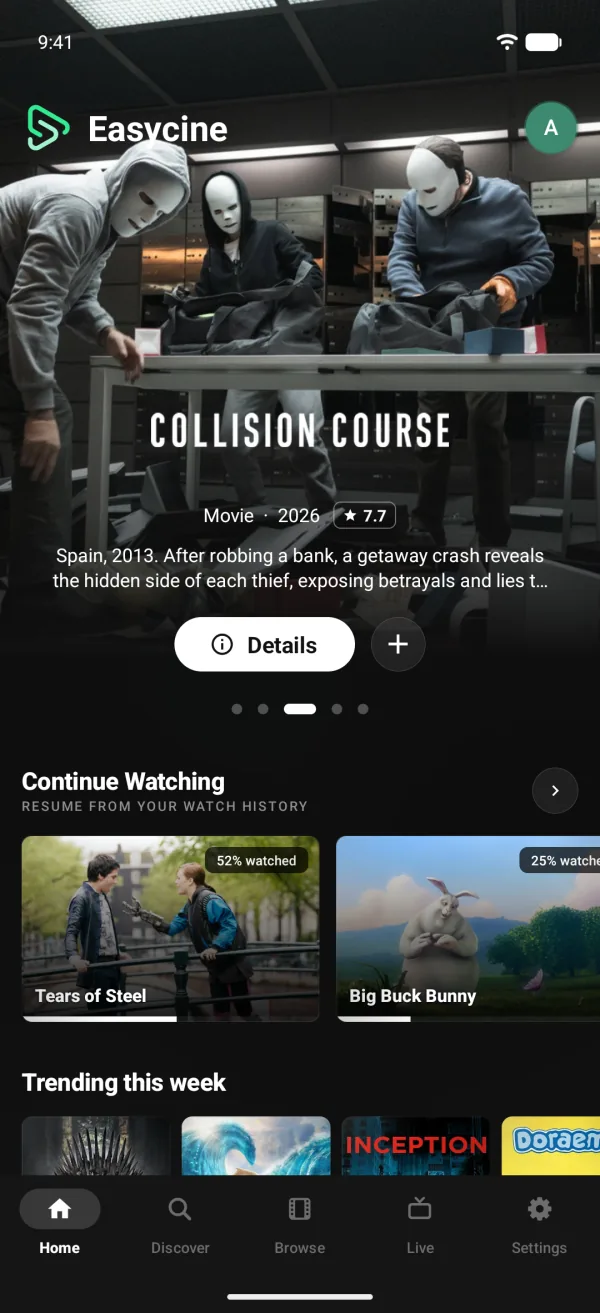
An Indian cinema app for phones and Android TV, in native code. Set India as the country and Hindi as the content language, and Home leads with what's big there.
- India-first Home rows
- Any TMDB language
- Hindi audio first
- Android TV app
Short answer
Yes. Set India as the country and Hindi as the content language, and Home leads with India-first rows plus a Worldwide section. The content language can be any TMDB language, including Tamil, Telugu and Malayalam, and viewers get a preferred and backup audio language. From $1,999, one-time.
Language and region
Set it to India, and it acts like it.
India-first Home
Top 10 Movies In India, Coming Soon To India and more, with a Worldwide section below.
Content in Hindi or Tamil
Titles, overviews and posters appear in the chosen language whenever TMDB has them.
Browse by film language
Grids filter by original language, so Telugu or Malayalam cinema is one tap away.
Local dates and ratings
The country sets release dates, age ratings and the streaming services shown.
Where to watch in India
Lists the services carrying a title in India, from JustWatch data through TMDB.
For you as the owner
Every new viewer starts at home.
Turn on Country-first content by default in the panel, and each new viewer's Home opens with their own country: India for viewers in India. Set the fallback country to IN for phones whose country can't be detected. Viewers can change country and content language at any time.
These country rows run on TMDB data, so they appear in Tracker mode (watch tracker) and Links mode. In Panel mode, you build Hindi and regional rows yourself from your own titles.
Playback
Hindi audio first, subtitles second.
Preferred audio language
Hindi first, Tamil second: a film opens in Hindi, or in Tamil when Hindi is missing.
Switch dubs mid-film
Change the audio track in the player without restarting, when the stream carries several.
Subtitles in two languages
Pick English subtitles with Hindi as backup, in SRT, VTT, ASS or TTML files.
Long films, resumed
Three-hour films pick up exactly where viewers stopped.
App text in Hindi
The Builder lets you translate the app into Hindi, Tamil, Telugu and 52 other languages.
Licensed films only.
Studios and platforms hold Indian film rights closely. The app arrives without films or streams; add the titles your licences cover and use the location filter to stay inside your territories.
At a glance.
- Country
- Any TMDB country, India included, with a fallback
- Content language
- Any TMDB language: Hindi, Tamil, Telugu, Malayalam and more
- Home
- India-first rows with a Worldwide section
- Audio
- Preferred and backup audio language
- Devices
- Phone app, with the Android TV app in the Complete plan
- Price
- From $1,999, one-time
Indian cinema questions.
Does it cover regional cinema, not only Hindi?
Yes. The content language can be any language TMDB supports, and grids filter by original language, so Tamil, Telugu, Malayalam, Kannada and Bengali films each get their own view.
Can the whole app run in Hindi?
The app's own text ships in English. In the Builder you can add Hindi or any of 55 languages and enter the translations, while TMDB supplies titles and overviews in Hindi.
Can I limit streaming to India?
Yes. The panel's location filter lets streams play only in the countries you list, or blocks the ones you name, so playback stays inside your licensed territories.
Do the India rows work in Panel mode?
No. Country rows use TMDB data, so they're for Tracker mode (watch tracker) and Links mode. In Panel mode you build your own Hindi and regional sections in the panel.
Is there an app for family TV viewing?
Yes, in the Complete plan. The Android TV app has the same country rows and content language settings, plus profiles with Kids mode, all used with the remote.