For anime services
Anime streaming app source code. Sub or dub, styled subtitles, and long series kept in order.
Native Android and Android TV source code for the anime you're licensed to stream, with audio and subtitle language preferences, ASS subtitle styling and episode tracking.
- Sub and dub switching
- Styled ASS subtitles
- Episode tracking
- Android TV app
- Kids profiles
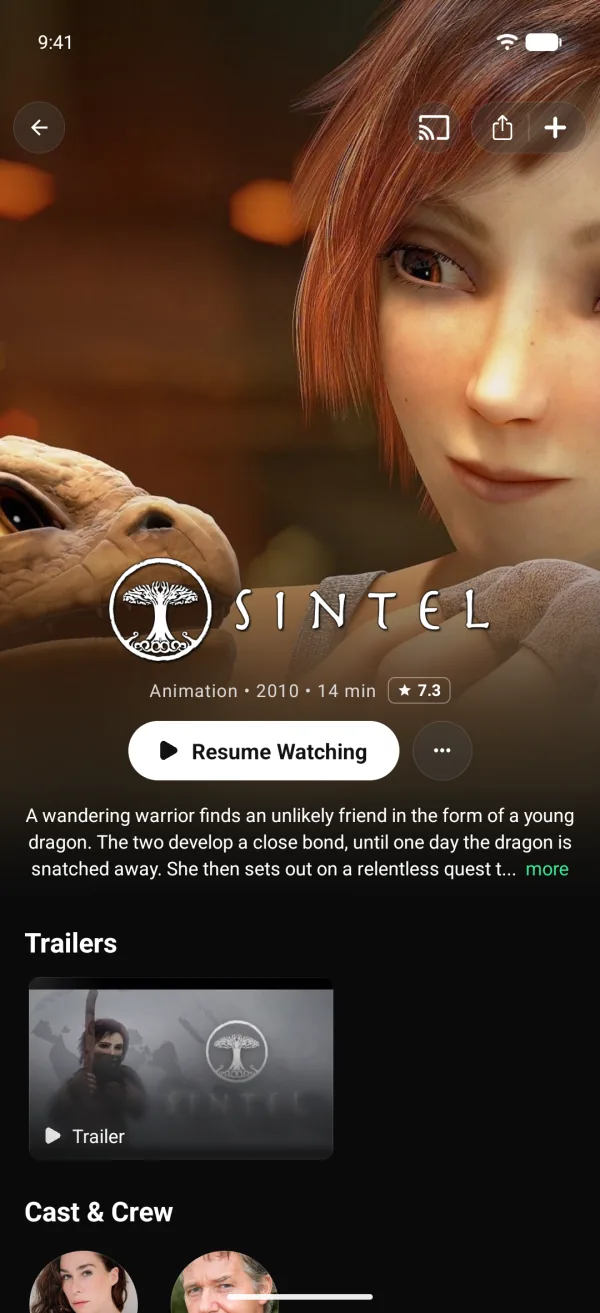
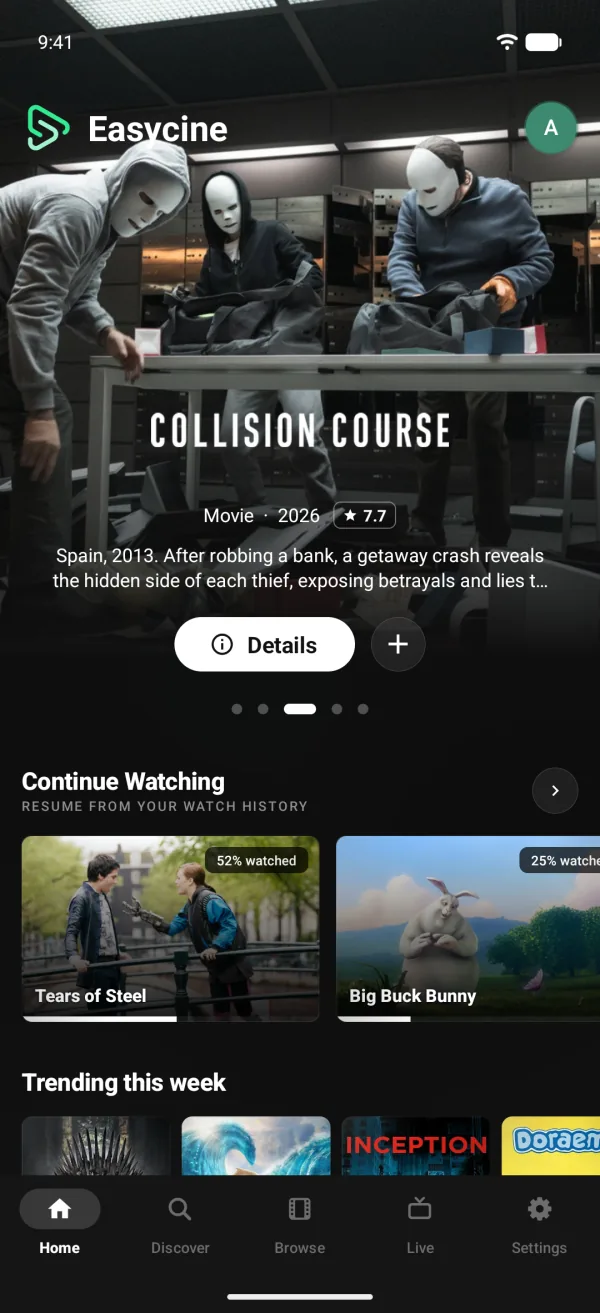
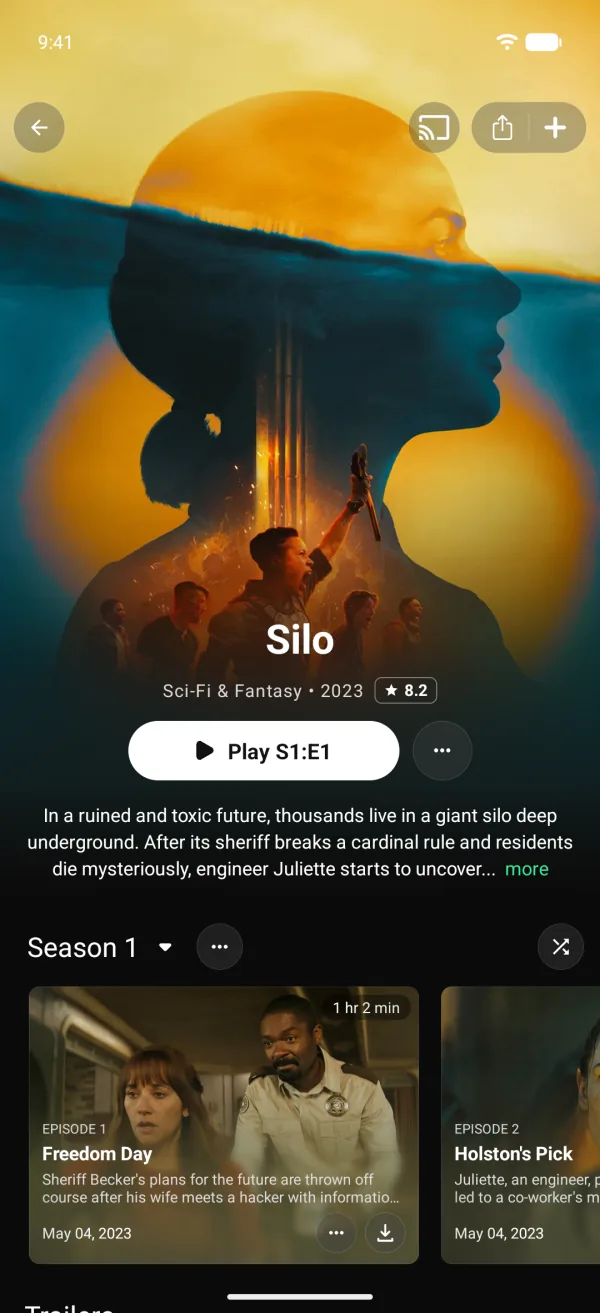
Short answer
Yes. EasyCine can run an anime app for the series you're licensed to stream, on Android phones and Android TV, with preferred and backup audio language, styled ASS subtitles, episode tracking and Up next. It has no AniList or MyAnimeList sync and no anime-specific engine.
Honest scope
A streaming app that handles anime well.
EasyCine has no anime-specific engine: no AniList or MyAnimeList sync and no simulcast schedule. It treats anime as the shows and films they are on TMDB, which lists series with their seasons, episodes and artwork.
Where it shines is the playback anime viewers care about: starting in Japanese audio or a dub, drawing styled subtitles as their authors intended, and keeping long series in order.
In the player
Sub, dub and subtitles, done right.
Preferred audio, with a backup
Japanese first, a dub as backup. Episodes open in whichever of the two they carry.
Switch tracks mid-episode
Change audio or subtitles from the player without restarting.
Styled ASS subtitles
Libass draws ASS subtitles with their fonts, colours and positions, on phone and TV.
Two subtitle languages
A first and a backup subtitle language, used whenever the video carries them.
SRT, VTT and TTML too
Plain formats work as well, sized and coloured from Android's caption settings.
For long series
Built for shows with hundreds of episodes.
Seasons and episode lists
Every season and its episodes on the title page, on phone and TV.
Mark watched up to here
Catching up on a long series takes one tap, not hundreds.
Up next autoplay
The next episode starts on its own, at the point each viewer chooses.
Resume and Continue
Episodes pick up where they stopped, and Continue watching keeps the next one ready.
A licensed service
Your own anime catalogue in Panel mode.
In Panel mode the app shows only your titles. Import each series from TMDB by ID, attach your streams per episode with quality tags, and mark titles kids-safe so Kids profiles show only those. Mature series stay out of reach behind a parental PIN.
The Android TV app in the Complete plan plays the same catalogue with the remote, styled subtitles and audio preferences included.
Licences first.
Anime rights are tightly enforced. No series or streams come in the box, so every episode in your app should come from a licence you hold.
At a glance.
- Metadata
- TMDB, in any TMDB language, or your own panel catalogue
- Audio
- Preferred and backup language, switch mid-episode
- Subtitles
- ASS through libass, plus SRT, VTT and TTML
- Series tracking
- Mark watched up to here, Up next, resume
- Devices
- Android 8 to 17 phones, plus Android TV in the Complete plan
- Anime trackers
- No AniList or MyAnimeList sync
Anime questions.
Is EasyCine built only for anime?
No. It's a general streaming app that handles anime well. There's no anime-specific engine, AniList sync or simulcast calendar; series come from TMDB or your own panel catalogue.
Can viewers switch between Japanese audio and a dub?
Yes, when your stream carries both tracks. Viewers pick audio in the player, or set a preferred and a backup language so each episode starts right.
Will styled anime subtitles look right?
Yes. ASS subtitles render through libass with their fonts, colours and positions intact. Styled Subtitles is on by default in the phone and TV apps.
Can I keep mature anime away from kids?
Yes. Kids profiles only show titles rated for kids, and in Panel mode only titles you mark kids-safe. A parental PIN stops kids leaving their profile.
Does it work on a TV?
With the Complete plan, yes. Its Android TV app keeps the audio and subtitle preferences, rows and profiles, all driven by the remote.
Where do the anime streams come from?
From you. EasyCine includes no content or sources. Add the streams you hold rights to in the panel; optional addons and plugins are also yours to supply.